
One app to bring your whole classroom together
Messages families actually read, classroom tools that save time and make teaching easier, plus new middle and high school features. All free, in the app you know and love.
What’s new for 2026
ClassDojo is better than ever this back to school, with new features you won’t want to miss.
Speak every family’s language
Messages are now automatically translated in 190+ languages, so every family stays in the loop.
Newsletters they’ll actually read
Create beautiful class updates and newsletters with Canva right inside ClassDojo – no new accounts or switching tabs.
Post to multiple classes at once
New multi-class story posts make it easy to share one update across every class at once – no more copying and pasting.
Teacher-student messaging (13+)
Available for middle and high school in eligible rostered schools. No personal numbers, with all conversations in a safe, school-controlled channel.
New look for older students
ClassDojo now comes with a clean, simple interface designed for how older students communicate and learn.
Go schoolwide
Share the moments families won’t want to miss
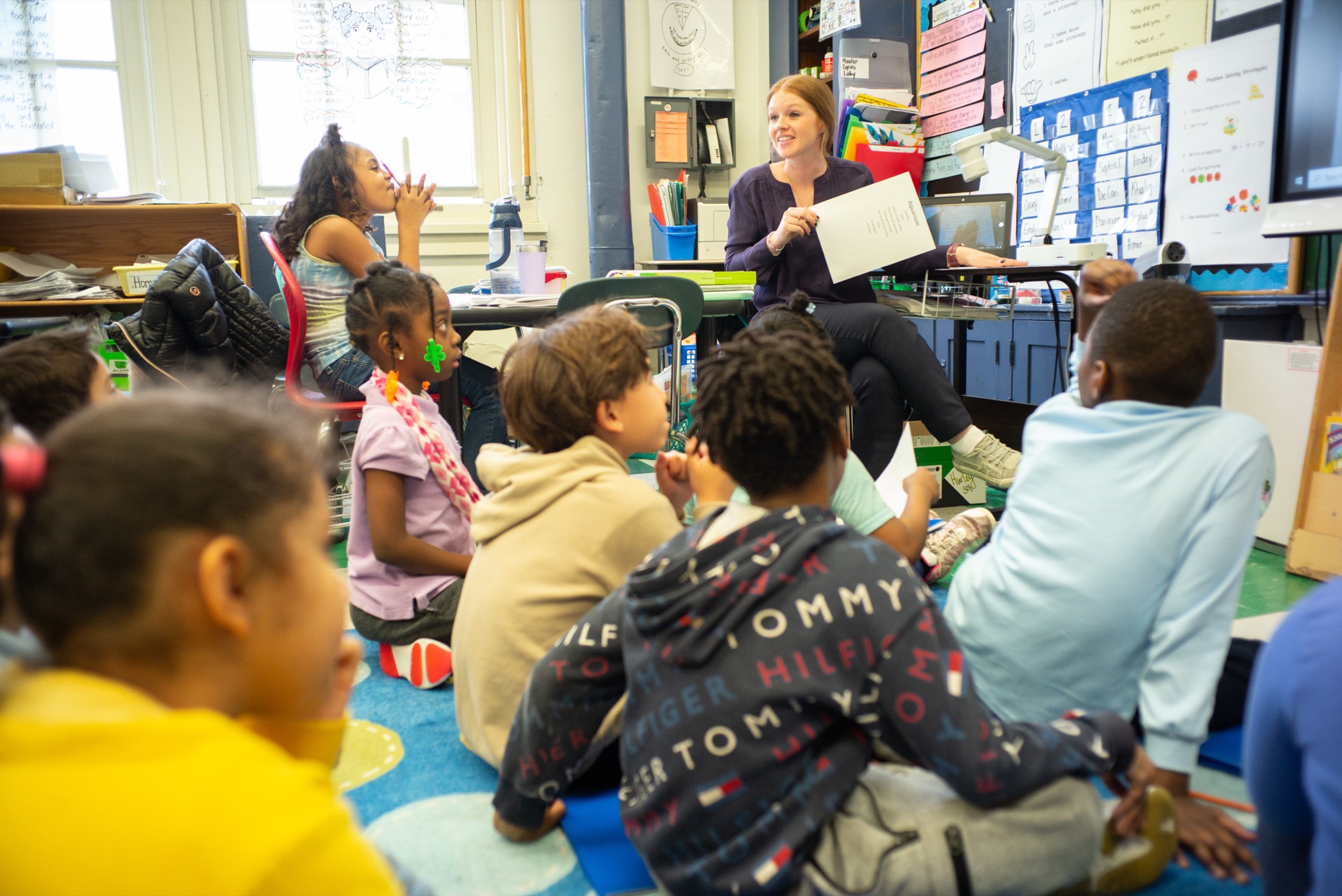
With Class Stories, you can post photos, videos, and updates that bring families closer to the school day.
Build a classroom culture kids can feel
Points help you celebrate effort, teamwork, kindness, and all the little wins that make a classroom feel like a community.
Make announcements easy to find
Class announcements allow you to share important reminders with every family, without hoping they catch it somewhere else.


What changes when you go schoolwide
Going schoolwide with ClassDojo ensures families stay close to the school day, and helps teachers keep everyone connected.
Invite your school leader0%
More active families
0%
More family-initiated messages
0%
More likes and comments from families
0%
More teachers communicating
“For me, family engagement is the ultimate strategy for academics.”
Brittany Daley
Principal of Hamilton Elementary
Top of the class for privacy
We put privacy and trust first. We never share students’ information with advertisers, and we use the latest and best security practices to keep you safe at all times.

Your classroom is already here
Do even more with ClassDojo
Your classroom is already here. Now you can bring your whole school together and share updates schoolwide.
Loop in your school leader
Help your school leader see the amazing things happening in your classroom and easily share updates with families.
FAQ
A rostered school is a school that enables rostering, connecting its Student Information System (SIS) to ClassDojo. This sync imports and keeps students, classes/enrollments, staff, and families up to date automatically, and the SIS becomes the sole method for populating the School Directory.
To get your school rostered, your district must use ClassDojo’s rostering via your SIS (ClassDojo for Districts). District leaders can start by booking a call at classdojo.com/districts.
Easy as 1, 2, 3. When you create a new Story post in your class, you will:
- Click the Canva icon in the post composer.
- Check the box to enable the Canva integration. A new window opens — log in to Canva (use your school-provided credentials if your district/school has one).
- Then share your design to your Class Story feed (no extra downloads needed).
You can share one post to multiple Class Story feeds using multi-audience (website only).
- Log into teach.classdojo.com
- Open a class, then start a Class Story post
- Click the multi-audience button (bottom-left)
- Check the classes you want, add content/attachments, then Post
This feature is available to select pilot districts. If your district uses ClassDojo, first you will need to be rostered, and your School Leader will need to enable Teacher-to-Student Messaging in their school settings (turning it off closes active chats). Once enabled, teachers then enable it for their class via the website: Class > Options menu/Edit Class > Settings > Enable teacher-student chats.
Invite your School Leader or District leadership to explore what's possible when you go school or district-wide with ClassDojo. Simply share classdojo.com/schoolwide and encourage them to book a 1:1 or demo!