





All your classes, clubs, and teams in one place
ClassDojo connects you to your classes, school announcements, clubs, and sports teams with a single login. Here is how to sign in and get started.
What you can do
Stay connected to your classes, sports teams, and school events all in one place.
Class Story
Updates, assignments, and announcements from your teachers.
School Story
News and posts from your school, clubs, and sports teams.

Events
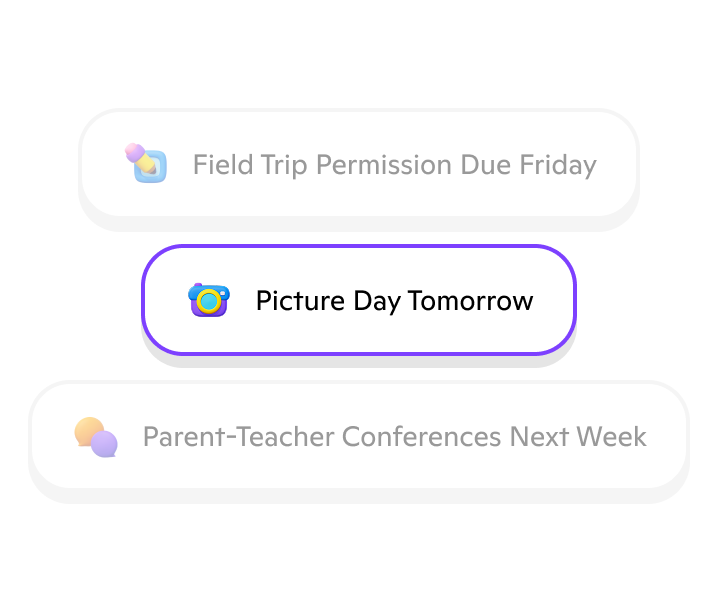
Upcoming games, spirit days, deadlines, and school activities.
Messaging
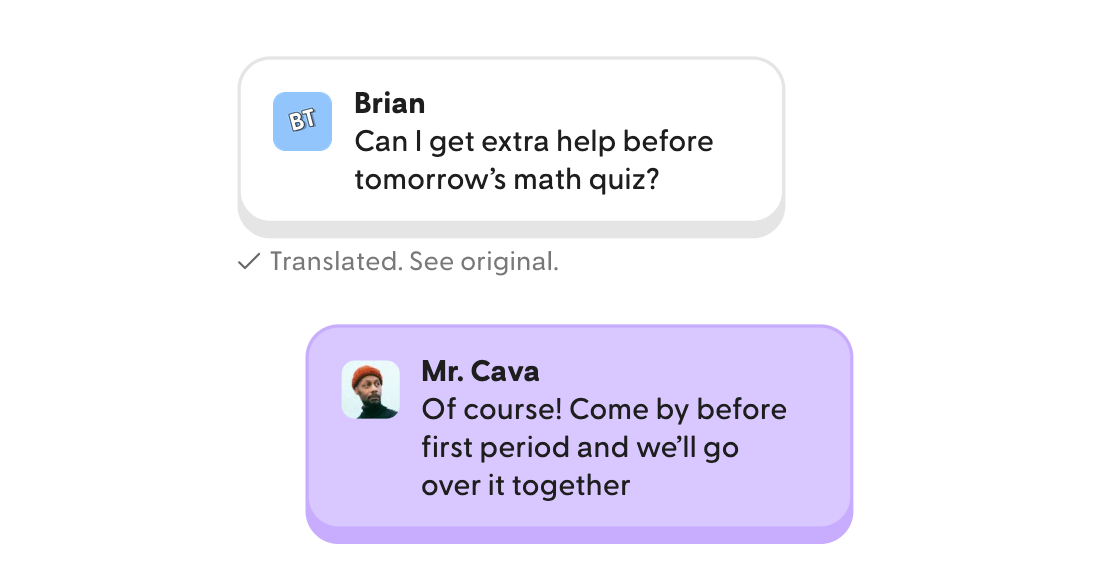
Direct communication with your teachers (if enabled by your school)
Points
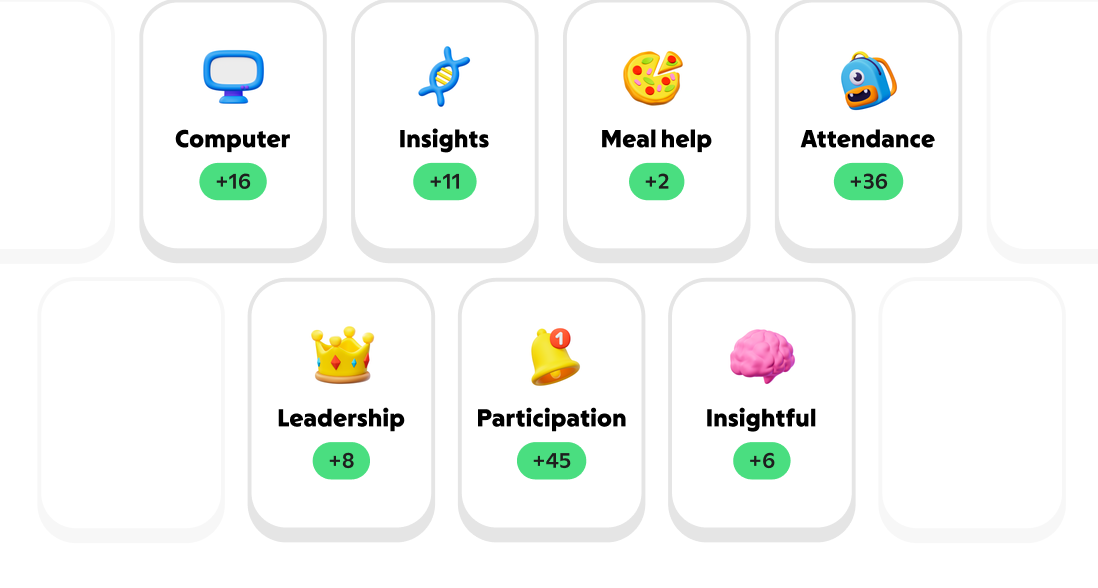
Feedback and recognition shared by your teachers
Messaging options for your grade level
Who's included in your chats depends on your grade level, so everyone stays safe and in the loop.
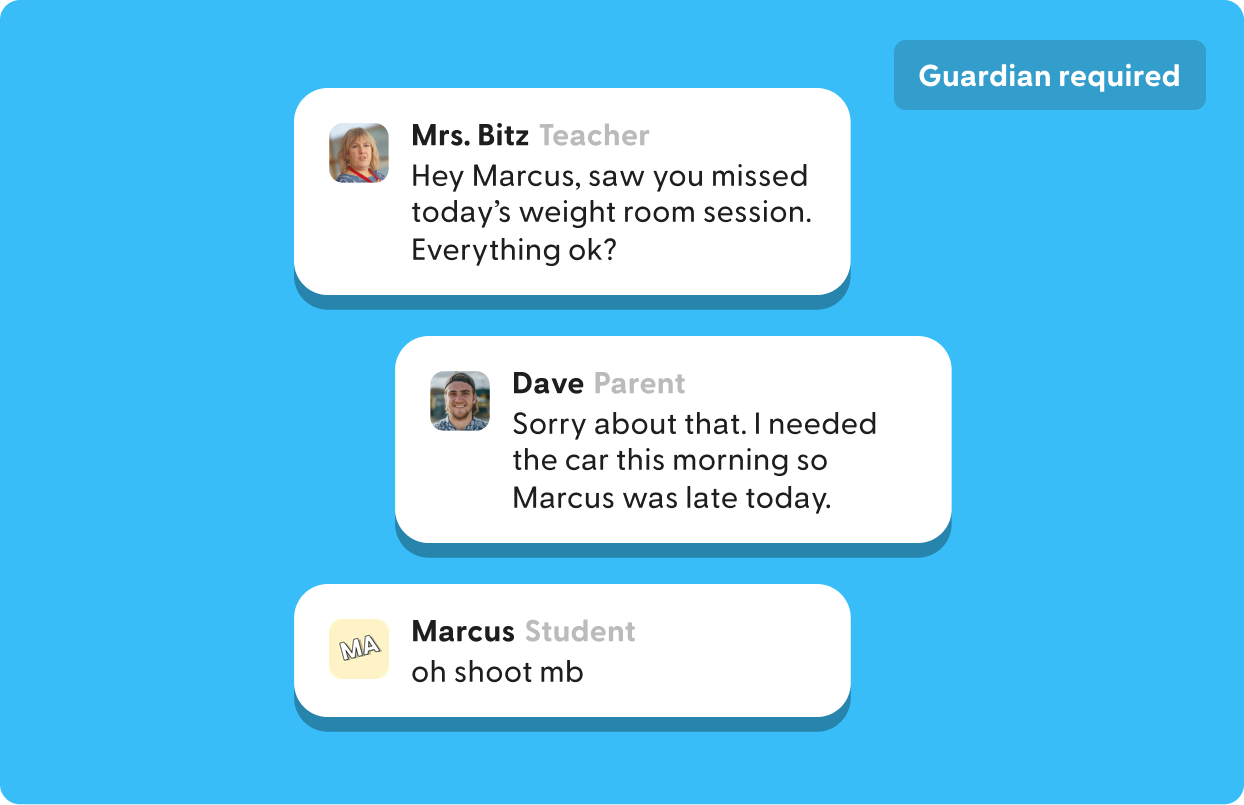
Middle School (Grades 6–8)
Safety comes first in middle school. All student chats are group conversations that include both a teacher and a parent or guardian.
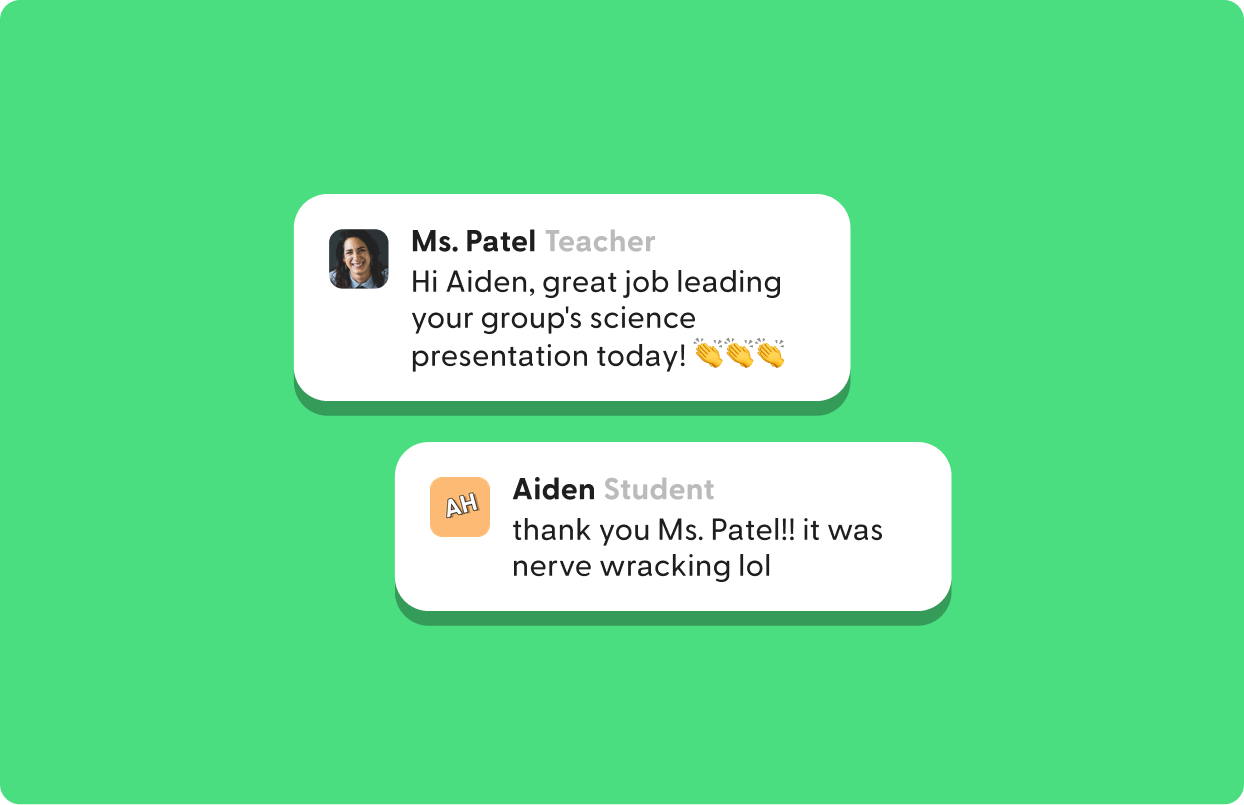
High School (Grades 9–12)
Message 1-to-1 with your teachers, join group chats with classmates and a teacher, or participate in group chats that include your teacher and parent or guardian.
Three ways to log in
Sign in with your school credentials using any option below. If you run into trouble, ask your teacher or front office.

Accept your email invite
Open the invite email from ClassDojo.Select the link in the email.Follow the steps to join your school and sign in with your school account.Can't find it? Check spam or junk, or ask your teacher to resend it.
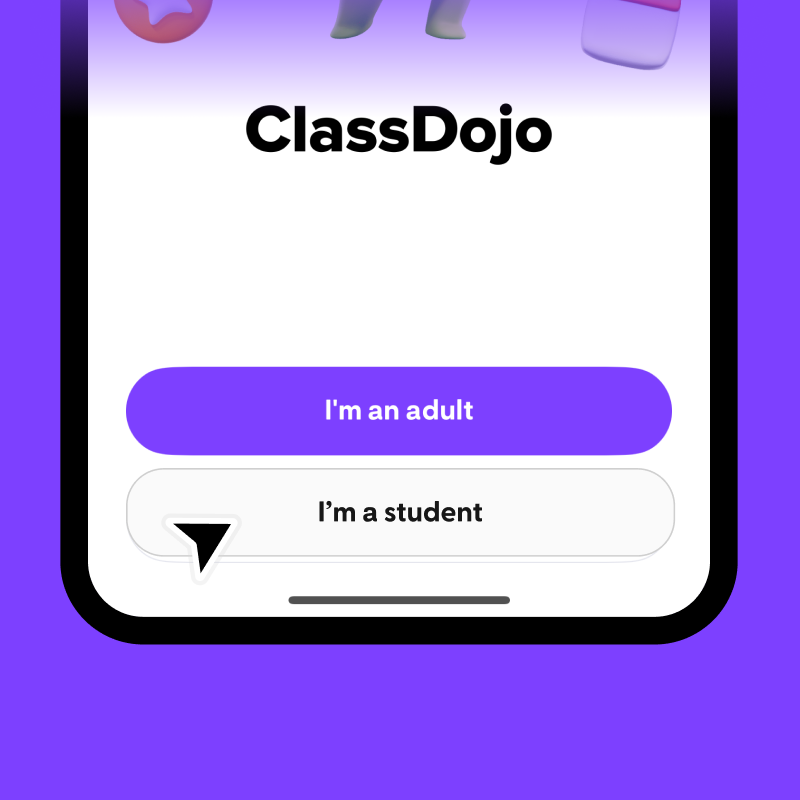
Use the ClassDojo app
Download ClassDojo from the App Store or Google Play.Tap "I'm a student."Tap "Sign in with school account."Sign in with your school Google or Microsoft account.
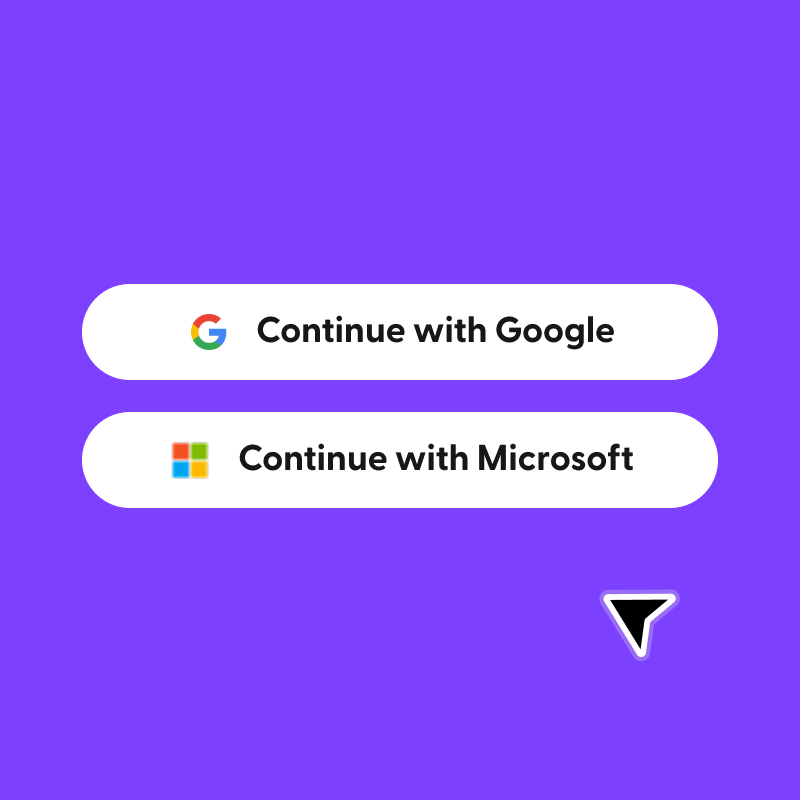
Already used ClassDojo?
Log out, then sign in with your school email address using Google or Microsoft. If you're asked to update your account, select "Accept" to connect to this year's classes, teams and teachers.
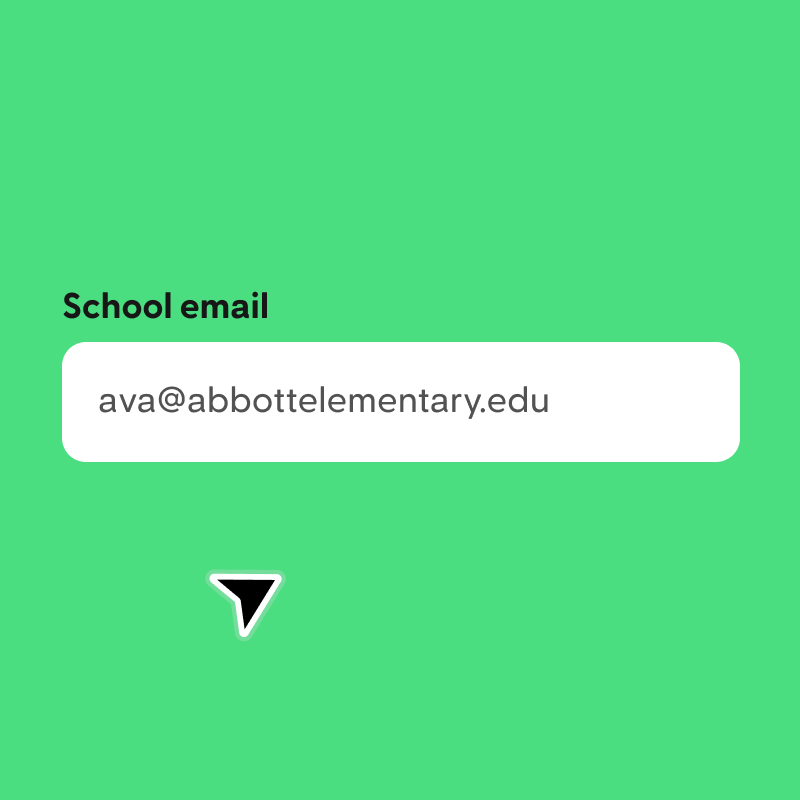
Sign in with your school email
Use the email provided by your school district.
Accept your updated account
Select "Accept" to connect to this year's classes, teams and teachers.
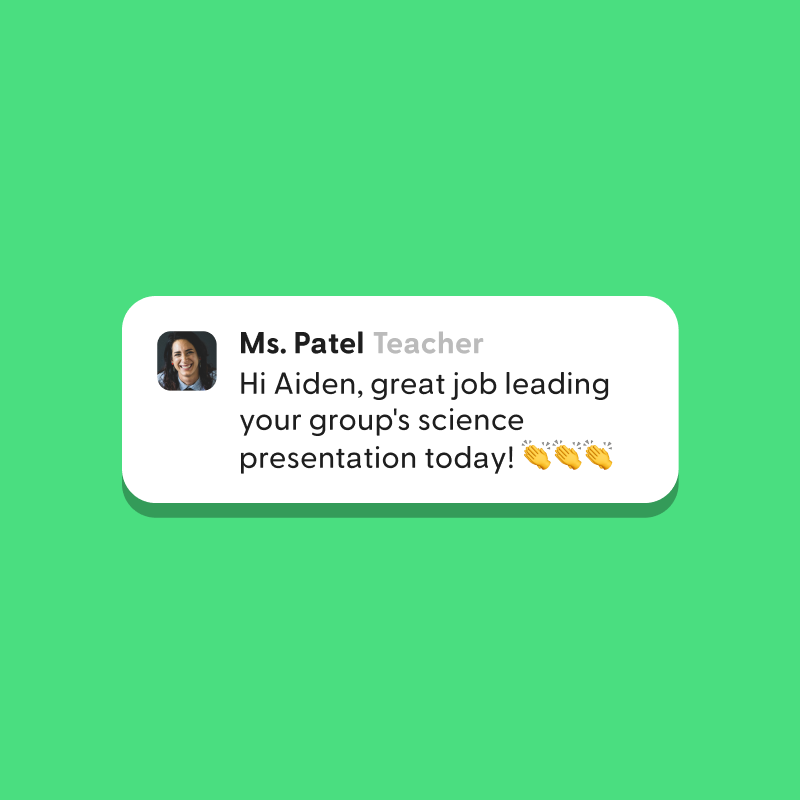
Unlock Messaging
Once you're signed in, you can message with your teachers if your school allows it.