

The free-time activity your whole class will love
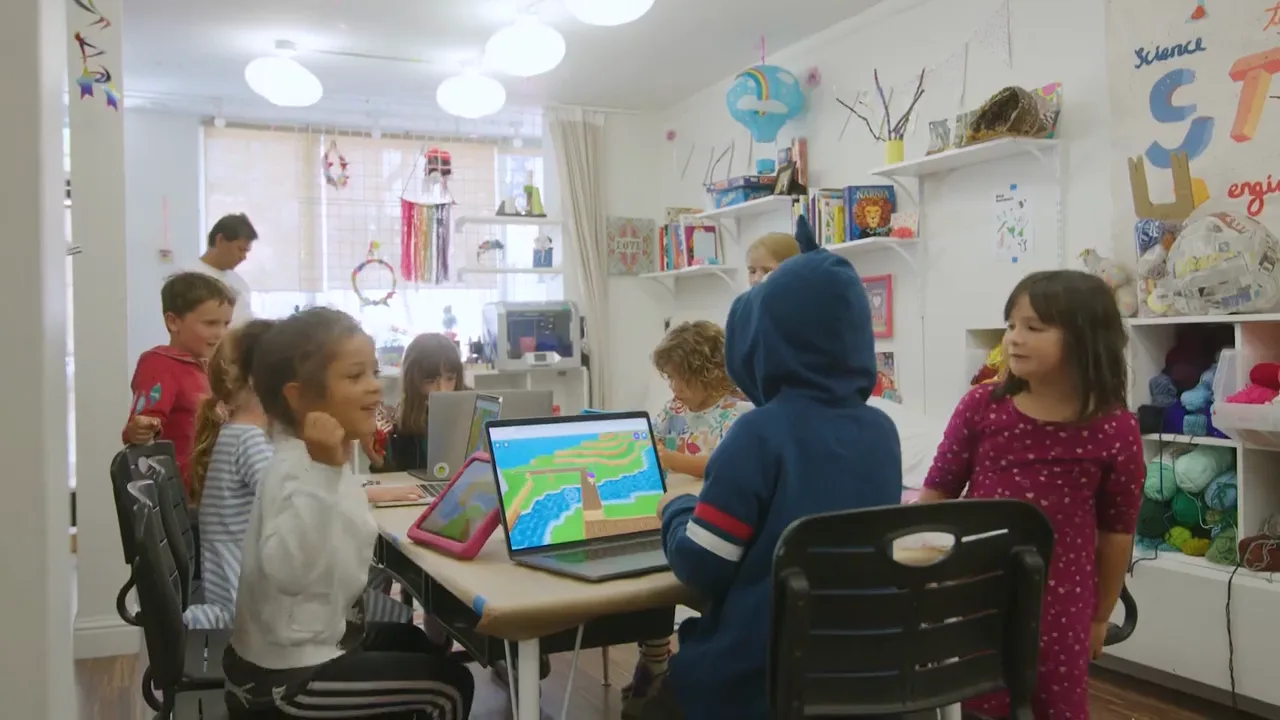
Zero prep and nothing to set up. Kids ages 5 to 12 play together as their own ClassDojo monsters in a free, safe, digital world.



Made for the moments
you need it
For early finishers, indoor recess, or Fun Fridays.


Early finishers
A may-do they’ll actually want, while you work with a small group.
Indoor recess
The whole class runs, builds, and plays together, without leaving the room.
Fun Fridays
The reward your class asks for by name.
Fits right into your week
Nothing to set up, nothing to pay, and it’s already in the app you use.
No setup
Nothing to download. Kids log in on any device with their ClassDojo account.
Easy to run
Kids pick it up fast, and your teacher tools keep the class right where you want it.
Always free
No cost for teachers or schools, no trials, and no paywalls in the classroom.
Part of ClassDojo
It’s built into the app you already use, trusted in 95% of U.S. schools.


Works on the devices your class already uses
- Chromebooks
- Windows and Mac
- iPads
- Android tablets
- Amazon Fire tablets
- Stone tablets
Where kids build, play, and explore together
Kids play as their own ClassDojo monster
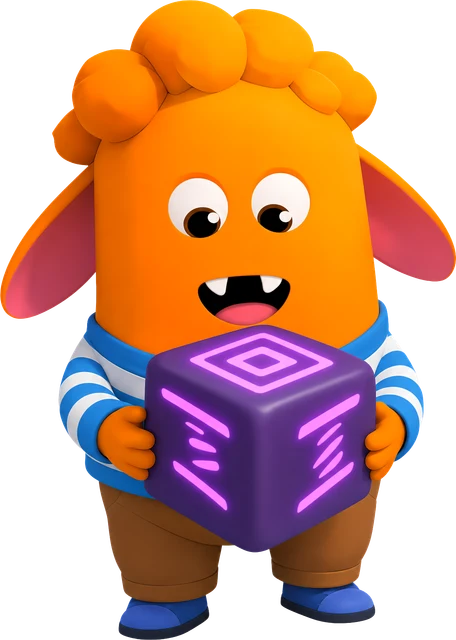
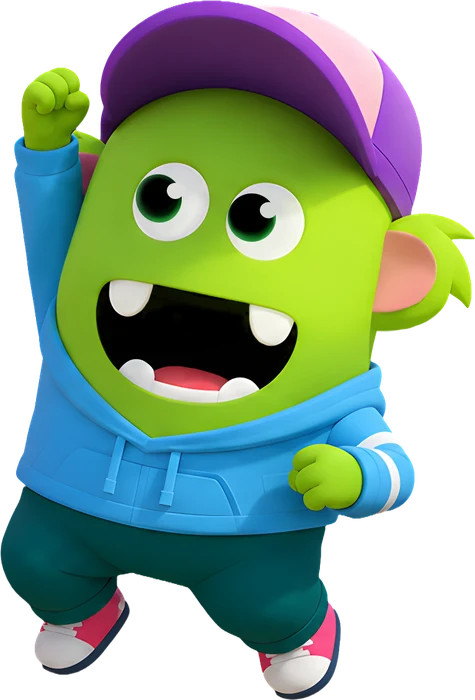
The monster your students know from ClassDojo comes to life in a 3D world. They dress it up, run around as it, and play together with their classmates.

Explore together
Kids wander a bright 3D world with their classmates, find new corners, and make it their own, with preset chat that keeps it friendly.
Build together
In the Build Zone, the whole class designs and builds whatever they dream up, with blocks of brick, ice, lava, and more. Planning, teamwork, and a little engineering, without anyone calling it a lesson.

Math through play
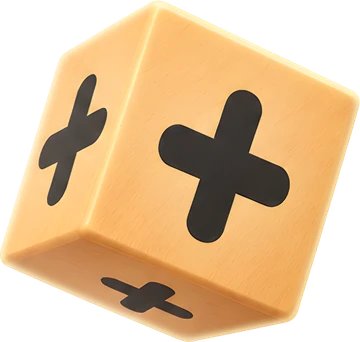
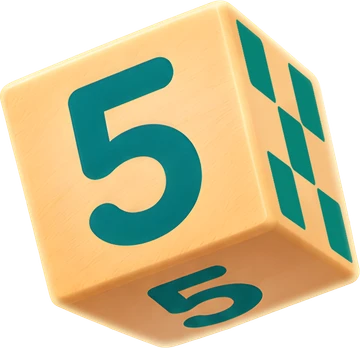
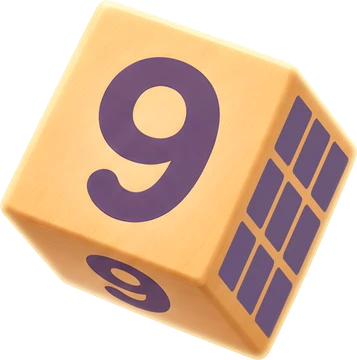
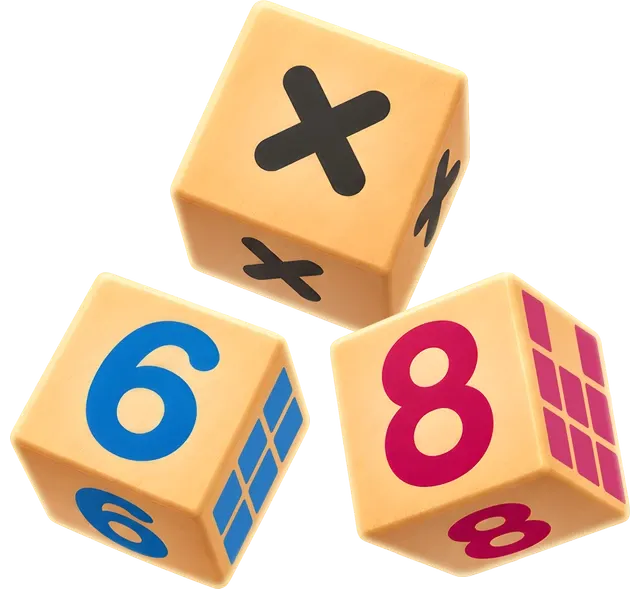
On Number Shores, kids team up to complete equations with number blocks. In the Activity Zone, they take on standards-aligned challenges together.

Kids love Dojo Islands. And so do teachers.
“It’s a really easy way for students to practice academic and social skills.”
Carol
3rd grade teacher, Ohio
No-prep activities,
ready to play
Standards-aligned challenges, math games, and free building, ready for your class in a click.



No gaming experience?
No problem.
You don’t need to know the game to run it. Kids pick it up in minutes, and it’s your class code that lets them in. When you want to steer, a few teacher tools move the whole class at once.
Get your class code
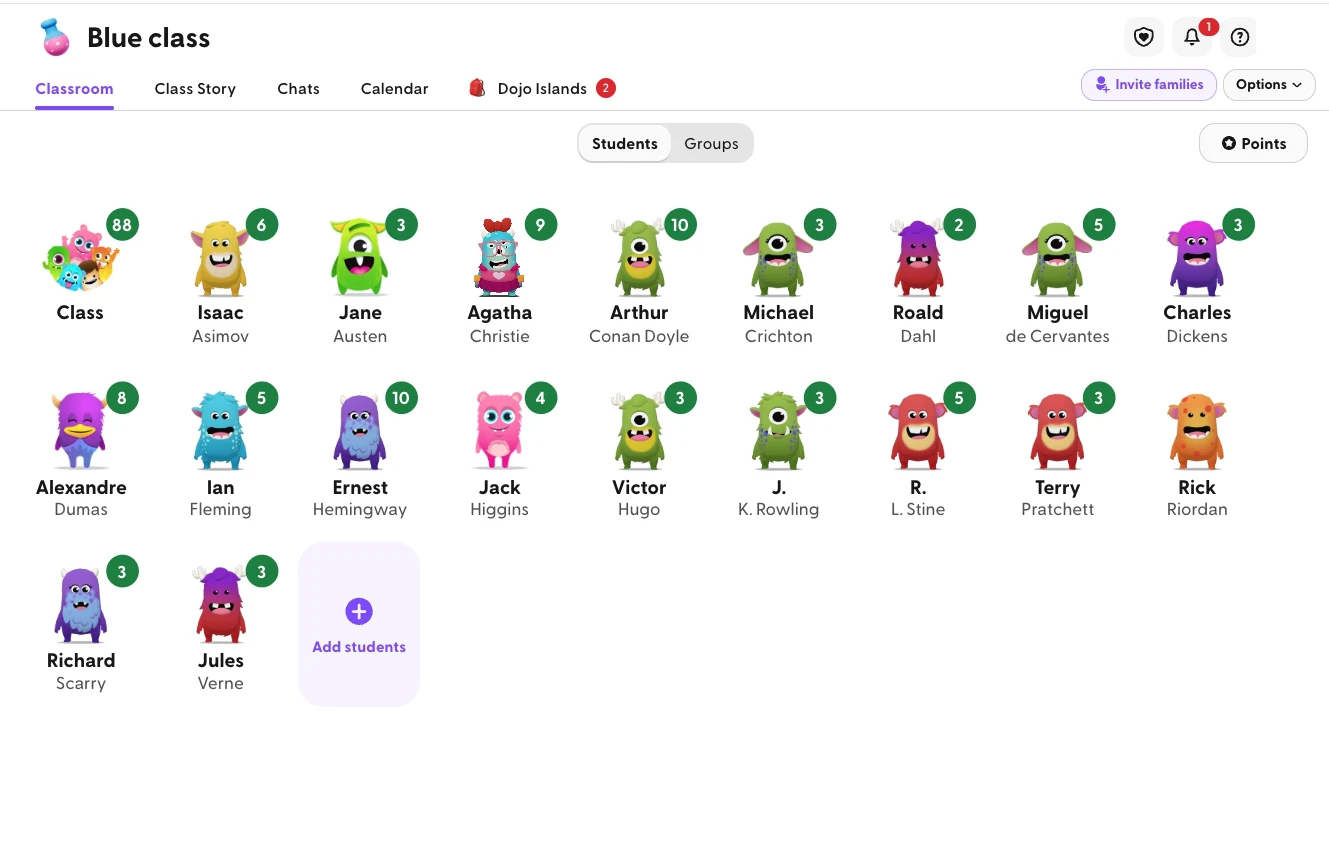
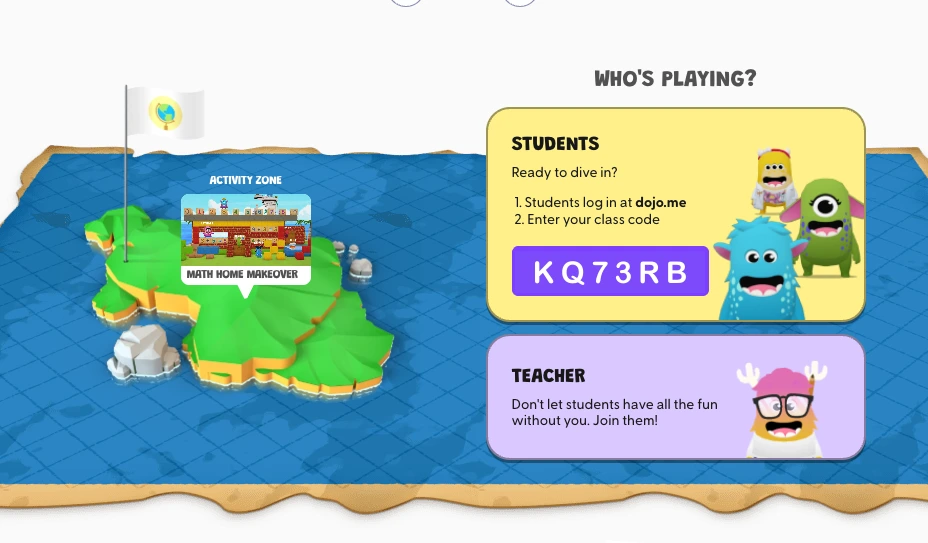
Open the Dojo Islands tab in ClassDojo. Your class code is right at the top.
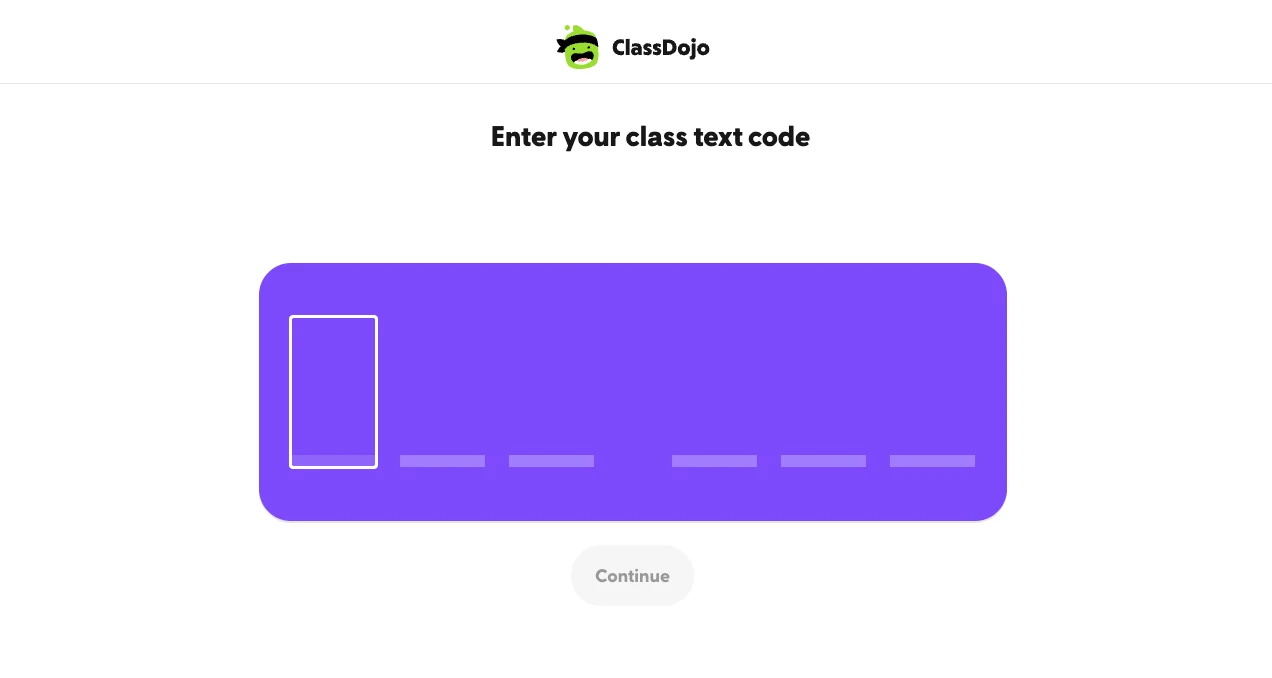
Students log in at dojo.me
Kids type the code at dojo.me on any device, and they’re in with their classmates.
That’s it
Kids jump in and play together, and you can hop in too: warp the class to an activity or reset a zone anytime.
Same island, a few extra powers.
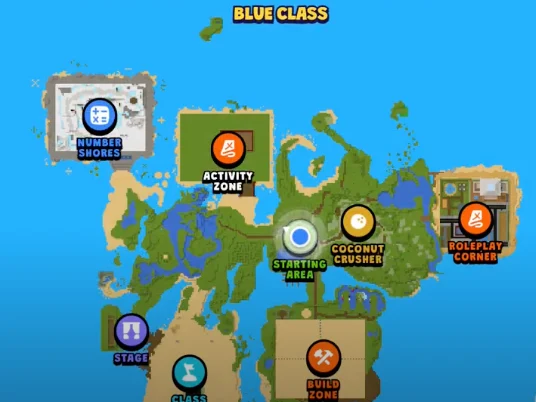
Snap it for Class Story
Take a picture in the game and post it to Class Story for families.
Questions teachers ask
Can I control when students play?
Yes. In ClassDojo, choose whether your class can play always, during school hours, or never.
What devices does it work on?
Kids play at dojo.me in a web browser, on the devices your class already uses.
Is it really free?
Yes. Dojo Islands is free for teachers and schools, and it’s already part of ClassDojo.
What ages is it for?
Dojo Islands is designed for kids ages 5 to 12.
Ready when your class is
Free, zero prep, and already part of ClassDojo.





Playing at home? See Dojo Islands for parents →